 EN
C01
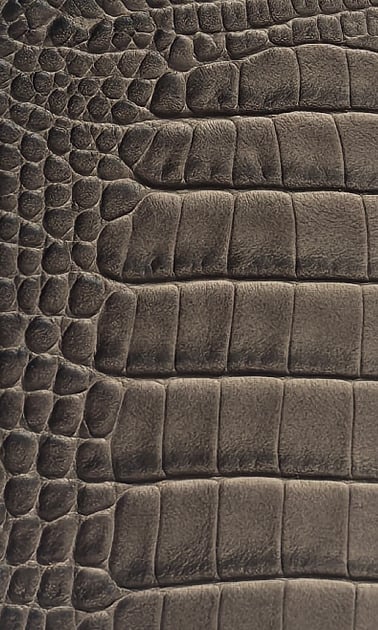
Large scale-relief effect
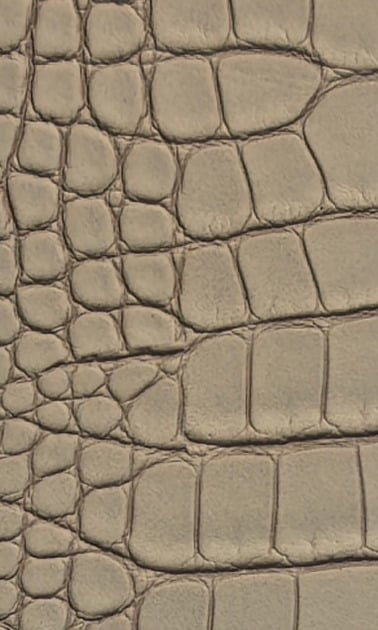
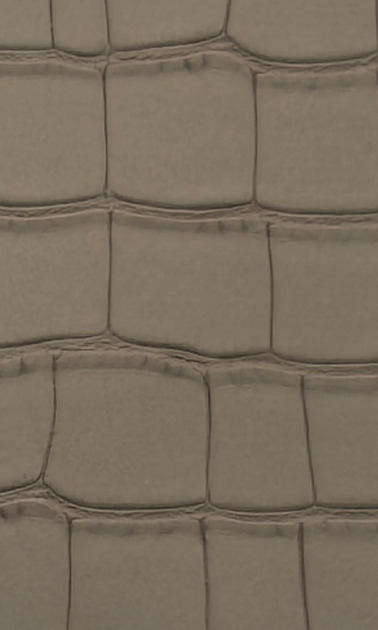
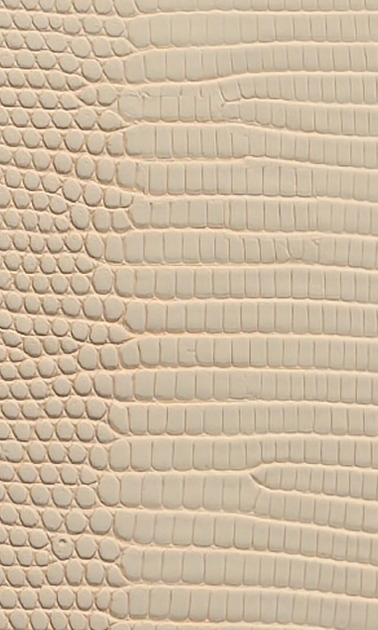
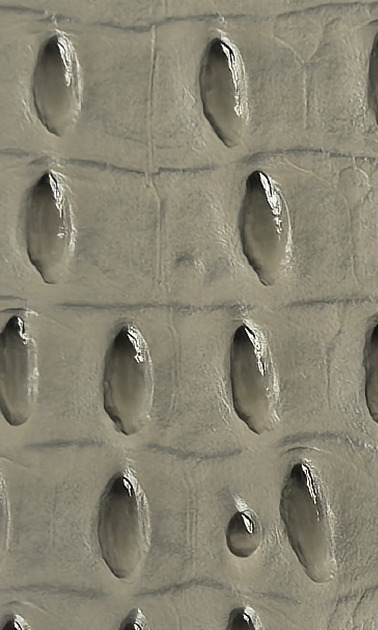
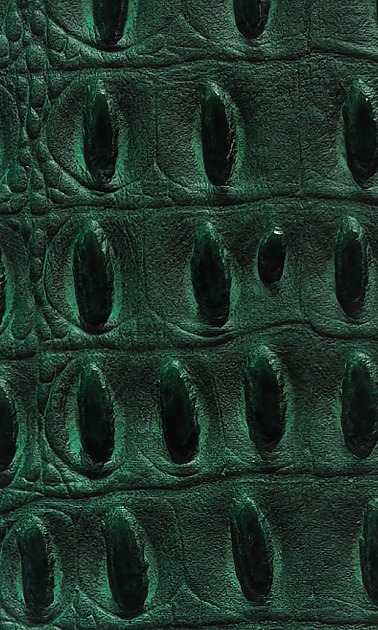
A broad irregular scale pattern creates a strong motif. Compare its placement on the proposed door face.

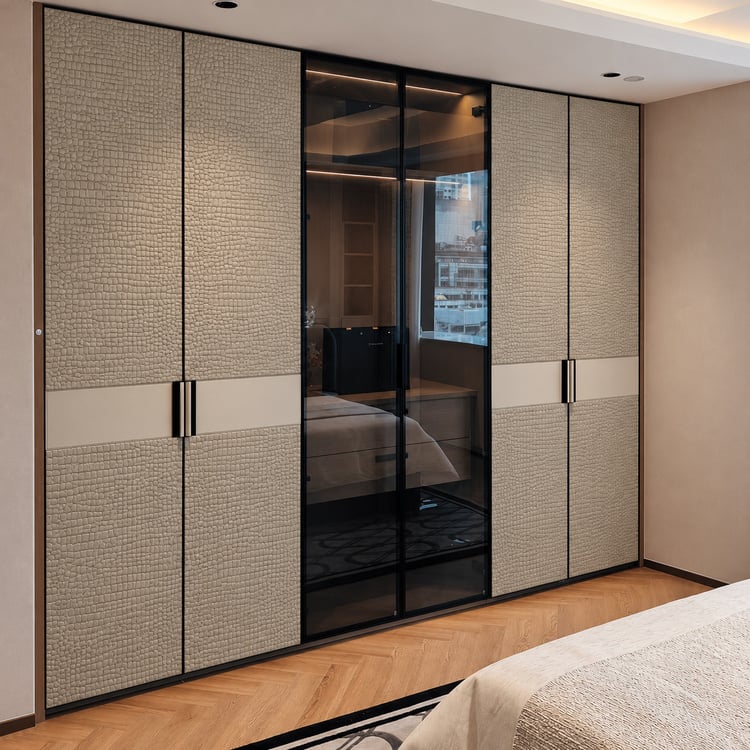
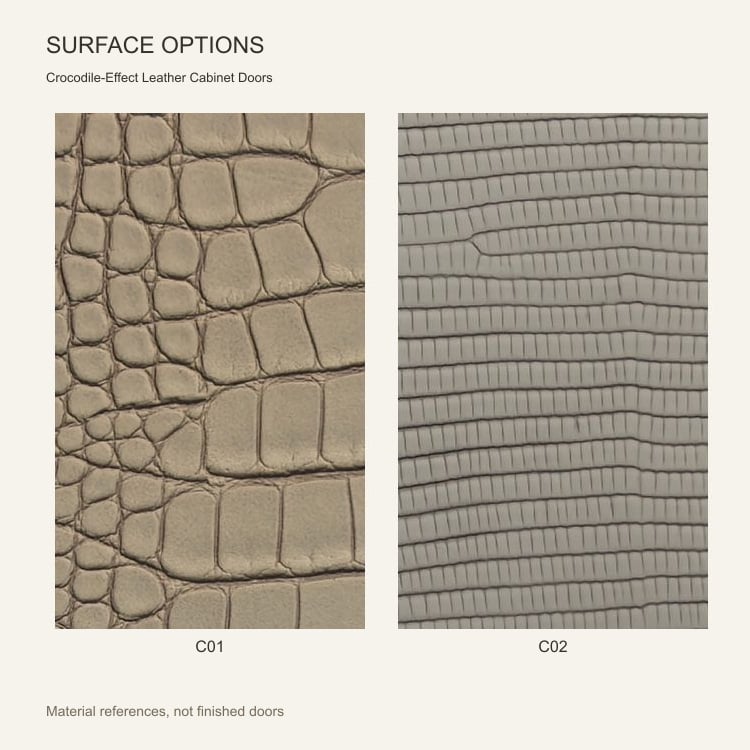
Create a distinctive cabinet front with a crocodile-effect scale pattern. Compare broad and fine scale-relief options, alongside separate elongated and vintage-effect alternatives.
Choose the pattern size and color on a physical sample before confirming the door layout. Send yishimei ESM your drawings to review pattern placement, panel divisions and handle positions.
01 / Product design
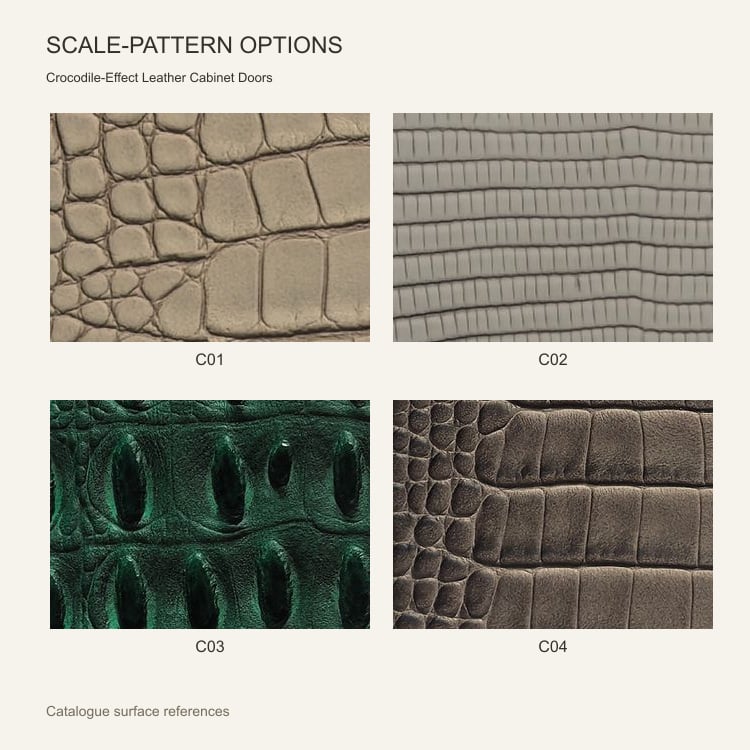
Scale-inspired relief creates a pronounced decorative surface for cabinet fronts. Compare large, fine, elongated and vintage-style patterns as separate finish options before planning the cabinet elevation.
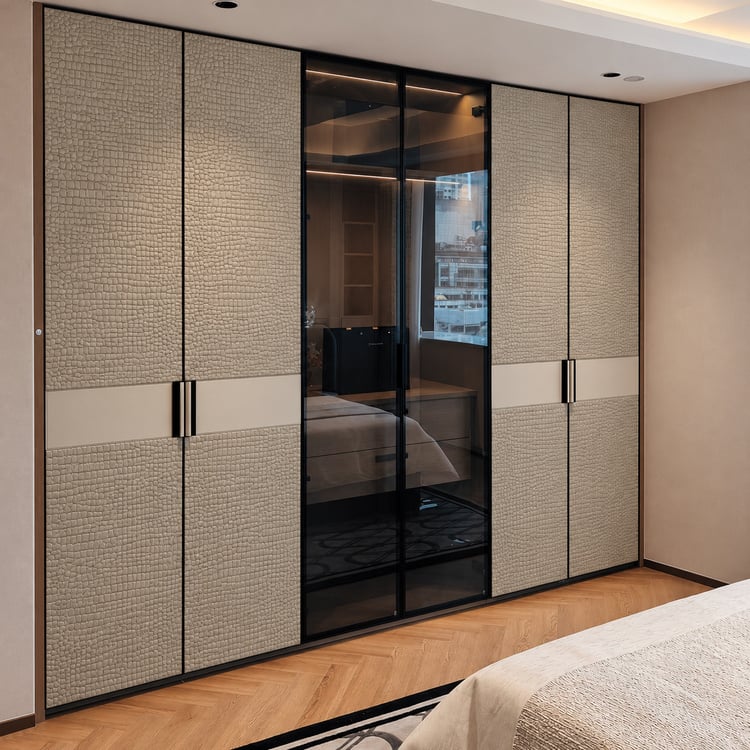
The cabinet visualization explores the C01 scale-inspired appearance. Crocodile effect and scale effect describe the visible pattern and do not establish animal-skin origin. Confirm the selected surface material, actual scale repeat, color and complete door assembly through samples and specification.
02 / Texture selection
Select the surface option first, then its color reference. Compare the actual grain, relief, sheen and material specification on a physical sample.
A broad irregular scale pattern creates a strong motif. Compare its placement on the proposed door face.

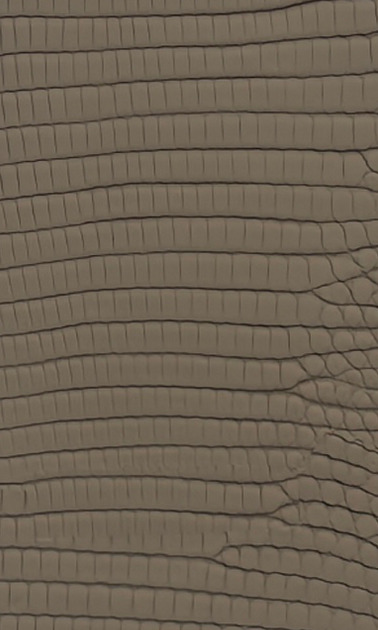
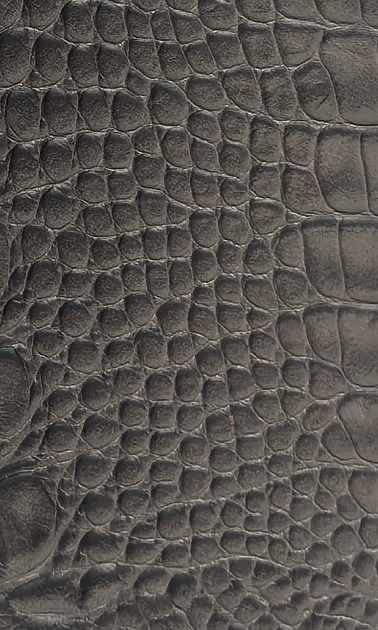
A more closely spaced scale pattern offers a different rhythm. Review repeat size and the intended cutting direction.
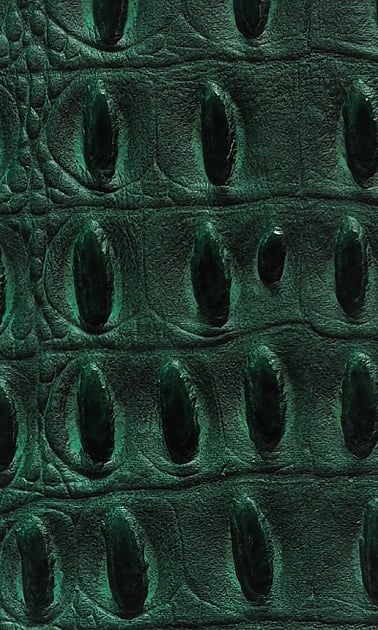
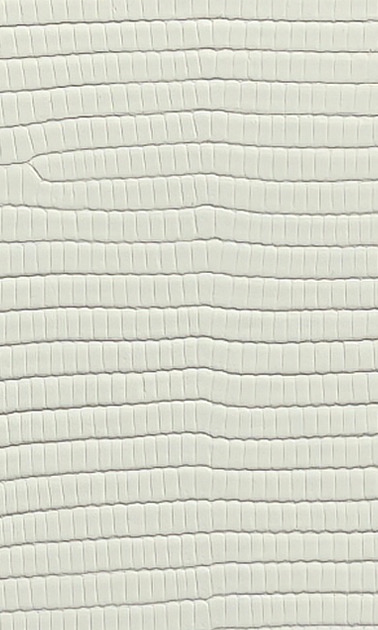
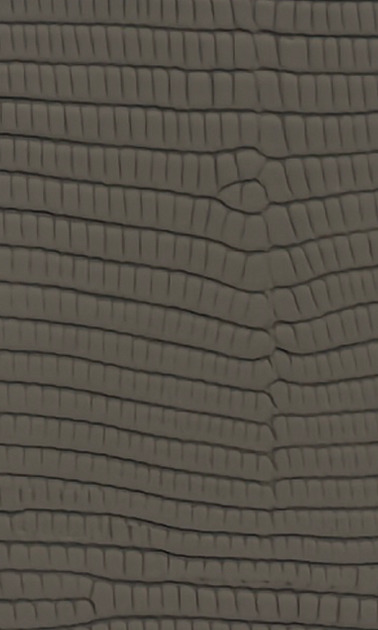
A supplementary long-scale appearance with its own small color selection. Specify this pattern independently from the main two options.
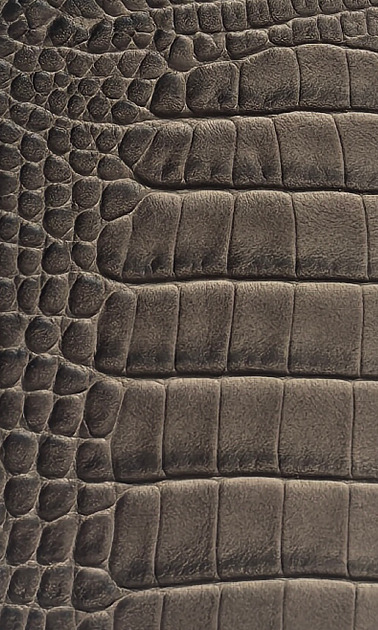
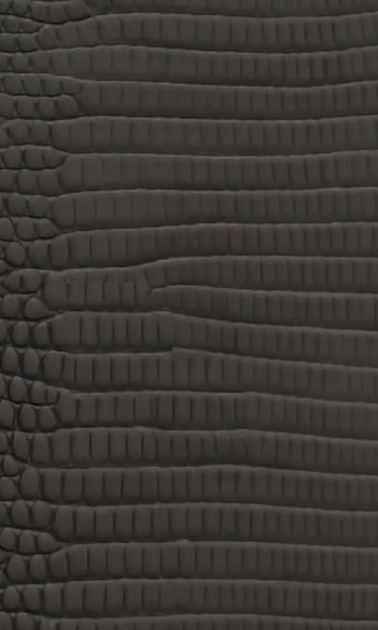
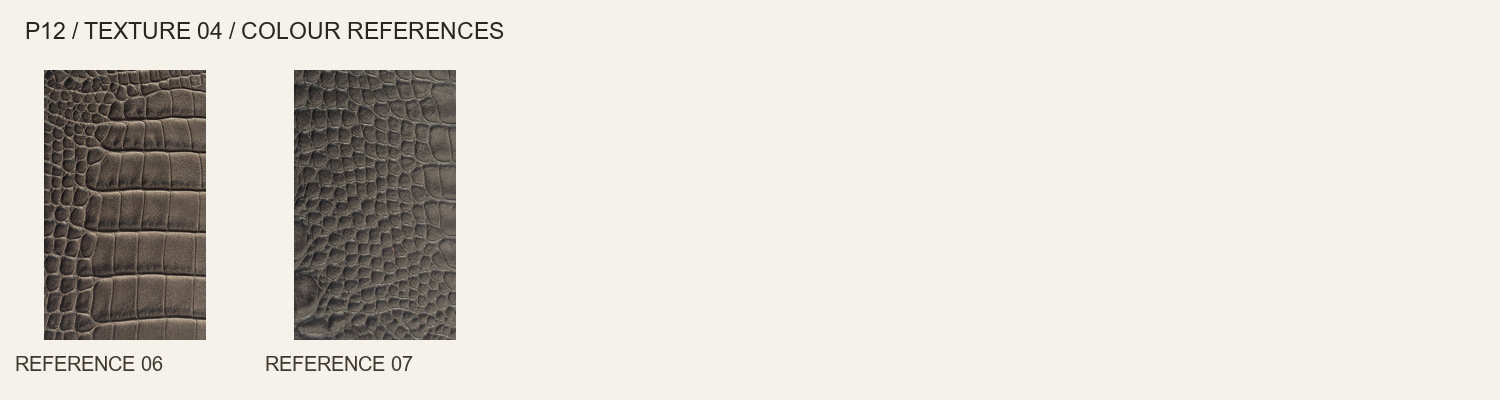
A separate scale pattern with a tonal, vintage-looking character in the catalogue reference. Approve the actual color variation on a sample.
Surface names describe appearance or the source material category. Composition, manufacturing method and door construction are confirmed for the selected specification.
03 / Color references
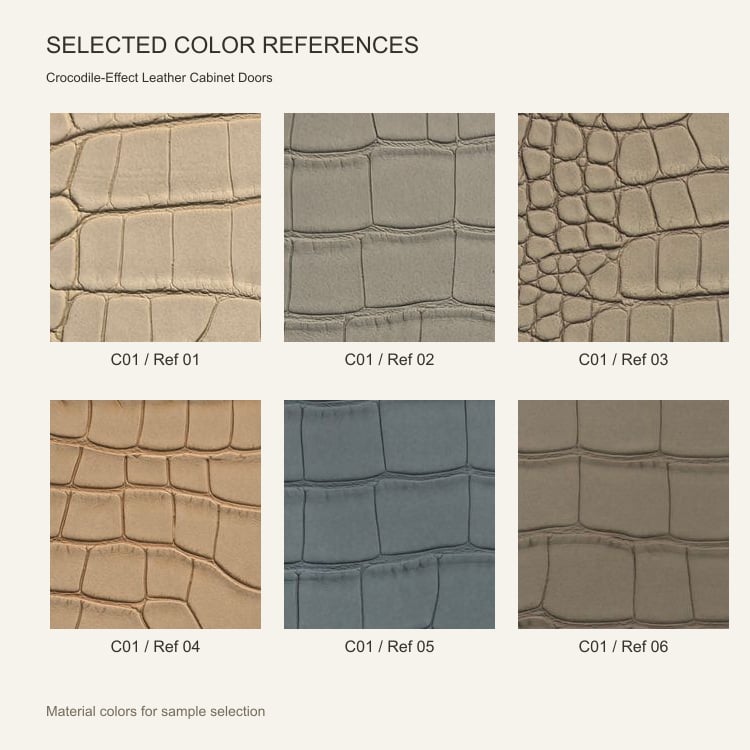
This family contains 22 catalogue color references across 4 surface options. The initial selection below introduces C01. Open each chart to compare the complete range for that option.
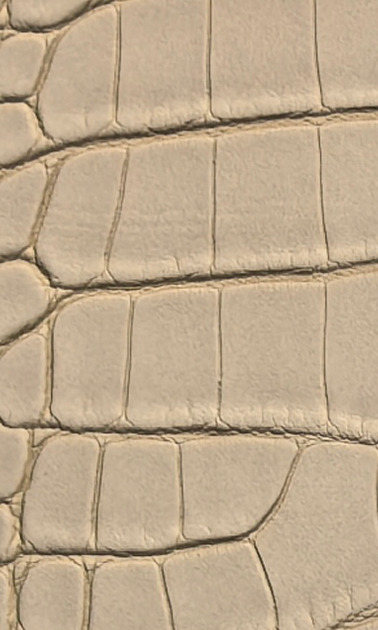
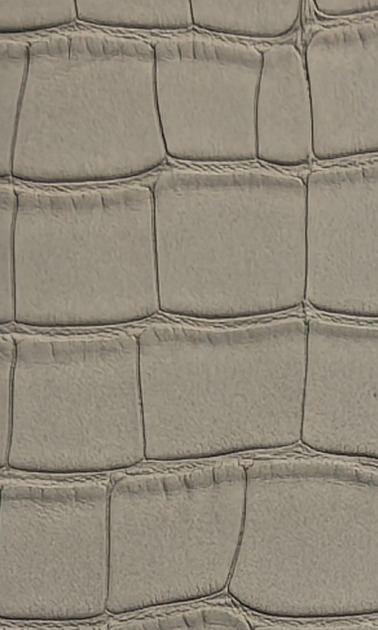
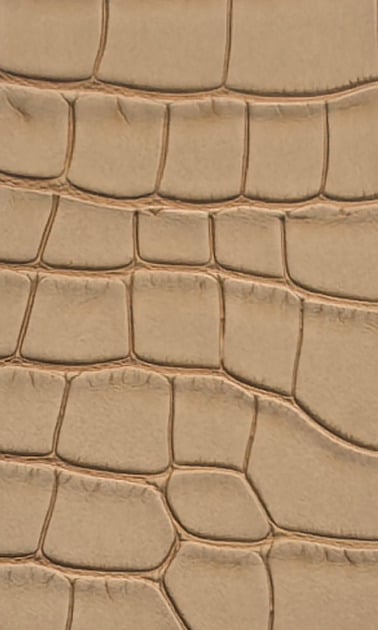
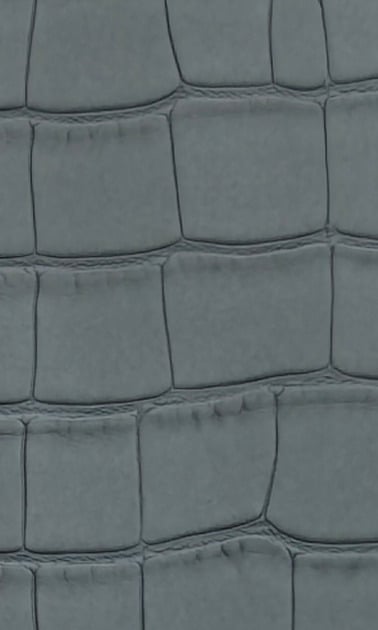
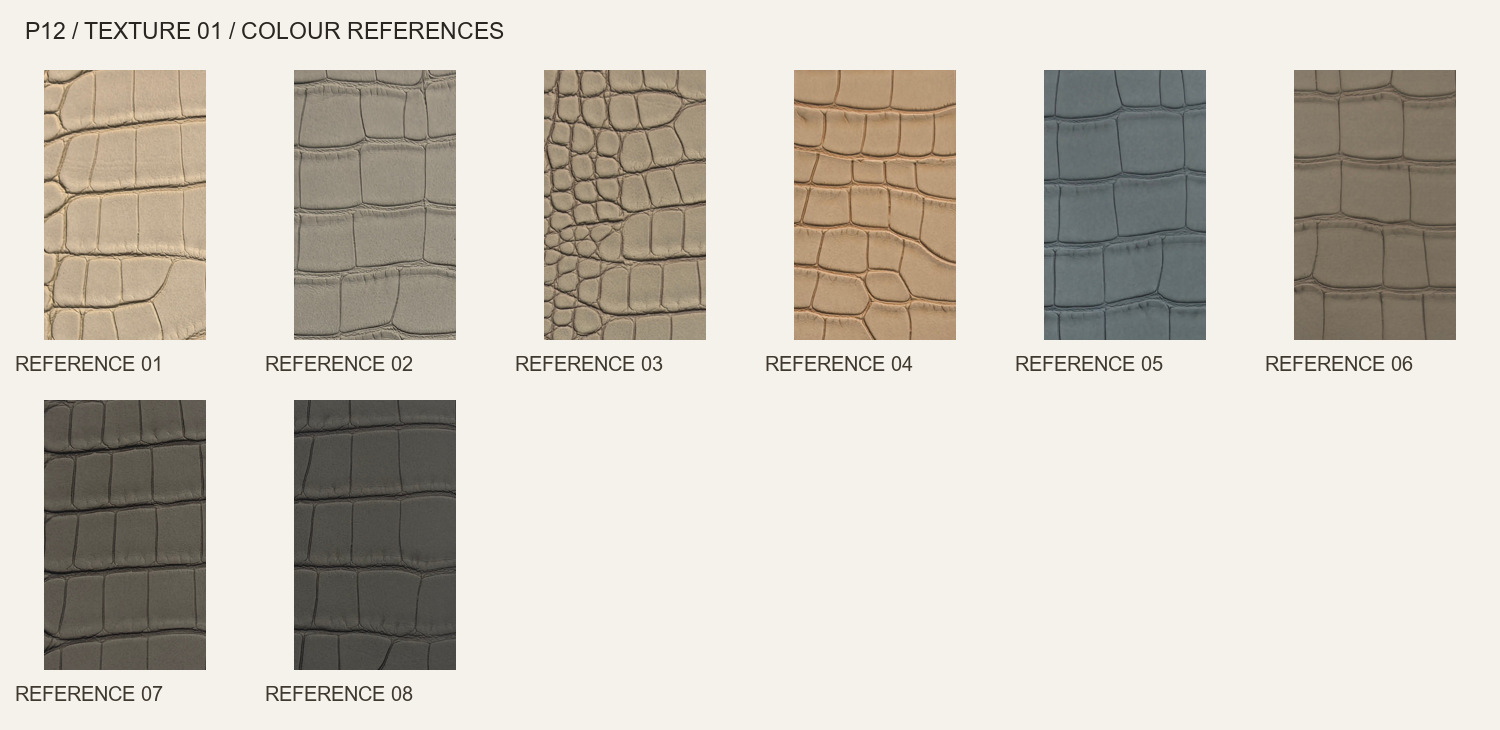
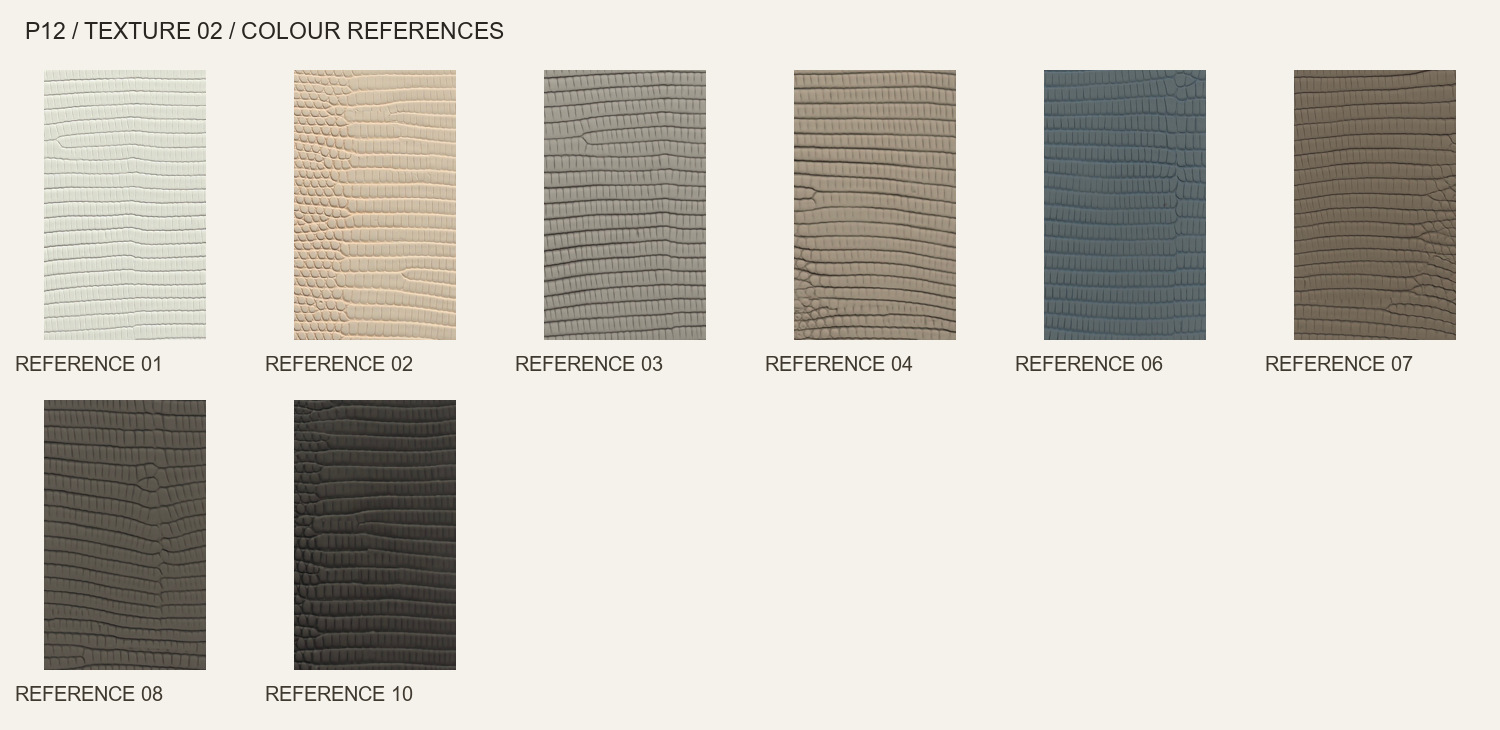
Browse all 8 color references below. Tap a swatch to open its image or complete source chart.
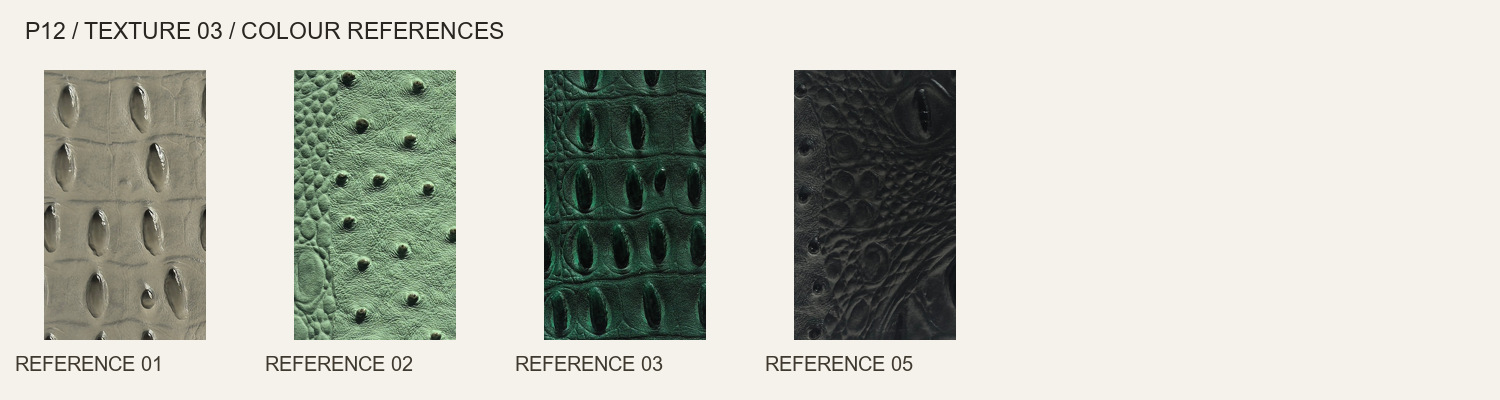
Open full-size color chartBrowse all 8 color references below. Tap a swatch to open its image or complete source chart.
Open full-size color chartBrowse all 4 color references below. Tap a swatch to open its image or complete source chart.
Open full-size color chartBrowse all 2 color references below. Tap a swatch to open its image or complete source chart.
Open full-size color chartColor references are for initial selection. Photography, lighting, displays and batches can affect appearance. A reference number is local to its surface option. Confirm availability and approve a physical sample.
04 / Cabinet planning
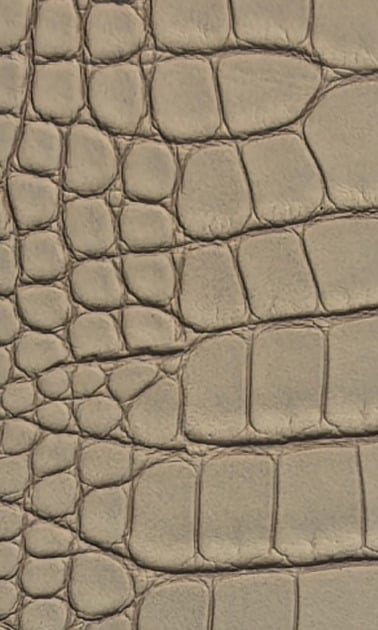
The visualization explores a fine C01-inspired scale effect on opaque fronts; it does not illustrate the other three pattern options. The shown cell size and placement are indicative. Identify the main viewing faces, door pairs and grip band, then approve the actual motif position, repeat scale and edges on samples.
Send an elevation with every door position, finished size, opening direction and grip preference. Include adjacent modules that affect alignment. The visualization illustrates a possible arrangement; the assembly and supply scope are defined by the approved drawing and quotation.
05 / Surface and edge details
Discuss where larger scales meet the door edge and corners. A neutral-looking crop of a swatch does not guarantee the same arrangement across a complete door.
Keep the chosen option identifier with its color reference throughout sampling and quotation. Similar tones across the four charts do not make their texture or composition interchangeable.
These surface photographs show appearance. They do not show a door cross-section, edge build-up or tested hardware assembly. Review those details on the approved sample and drawing.
06 / Configuration checklist
Use the following checkpoints to connect the selected finish to your cabinet. Clear door positions and supply requirements make the quotation easier to compare.
Mark the relevant door positions and show the preferred arrangement on the elevation.
Use the selected physical sample to assess this detail before the finish is approved.
Include the proposed grip and any neighboring components that affect fixing or clearance.
Record the approved choice with the material reference so production and replacement requirements are clear.
07 / Project specification
The door is quoted as a defined configuration. Use the table below to state the requirements rather than relying on dimensions or performance inferred from photographs.
| Product scope | Decorative cabinet or wardrobe door fronts in the selected surface. Identify whether the enquiry requires door leaves only, frames, hardware or a complete cabinet package. |
|---|---|
| Surface and color | C01 — Large scale-relief effect; C02 — Fine scale-relief effect; C03 — Elongated scale-relief alternative; C04 — Vintage scale-relief alternative. Quote the option and its own color reference together. |
| Finished dimensions | Provide height × width for every leaf, quantity per size and any required thickness. Feasible sizes and total door thickness are confirmed after construction review. |
| Core, backing and edges | Specify the proposed core, reverse face, edge treatment and any perimeter profile. Final construction is confirmed with the quotation and sample. |
| Opening and hardware | State the preferred opening system, hinge or track requirements, grip type and installation conditions. Compatibility and included components need confirmation. |
| Material width | Any roll-width information in the catalogue refers to surface material. It does not establish a finished door size; material thickness is also separate from total door thickness. |
| Project and delivery | Provide intended room use, destination country, quantity and target schedule. Confirm sample arrangements, minimum order, lead time, packing and delivery terms for the selected configuration. |
08 / Sampling and order process
Keep the surface sample and the door drawing connected throughout selection. This helps resolve appearance and assembly details before production is confirmed.
Send door sizes, quantities, the cabinet drawing, destination and the preferred surface and color references.
Confirm texture, color, sheen and the proposed edge or corner. Request a finished sample when the assembly detail matters.
Review the door construction, grip arrangement, hardware scope and drawing with the quotation before placing the order.
Agree availability, production schedule, packing, inspection requirements and delivery terms for the approved configuration.
09 / Frequently asked questions
The cabinet visual is AI-generated from material references; it is not an installation photograph or evidence of animal-skin origin. Crocodile effect describes the pattern appearance. Confirm the actual composition, scale size, color and finished construction from the selected material and door samples.
Each pattern has its own catalogue color range. Refer to the individual charts and confirm current sample and material availability for the option selected.
State the desired arrangement on the elevation and request a paired sample review. Pattern size, cutting position and door gaps affect what can be achieved; an uninterrupted match is not assumed.
Send the finished size of each leaf, quantity, cabinet elevation, selected surface and color, preferred opening system and grip, plus the delivery destination. Identify whether profiles, hardware and adjacent cabinet modules are included in your request.
They are catalogue references for shortlisting. Lighting, photography, display settings and material batches affect appearance. Confirm current availability and approve a physical sample in the chosen surface; a displayed image is not a stock commitment.
Those items are confirmed for the selected door configuration. The surface material photograph does not establish the core or the total thickness. Ask the quotation to state the backing, edge treatment, opening system and included hardware clearly.
They depend on the chosen surface, door configuration, material availability, quantity and destination. Include your target schedule and sample requirements with the enquiry, then confirm the order and delivery terms in the quotation.
Request care guidance for the approved surface and assembly. Confirm intended room conditions and compatible cleaning products. Different leather-look materials can have different requirements, so do not apply one care or performance assumption to every option.
Crocodile-Effect Leather Cabinet Doors
Share the finished door sizes, quantity, selected surface and color references, grip preference, cabinet drawing and destination country. We can then review the configuration and confirm the supply scope.
Our professional sales team is ready to assist you.